Updating the E.P.G.
Refreshing your E.P.G. - Electronic Program Guide
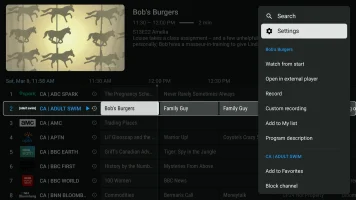
- From the main IPTV app screen, Press and Hold the Circle Button. The side bar will appear.
- Click Settings
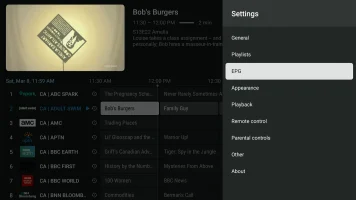
- Click E.P.G.
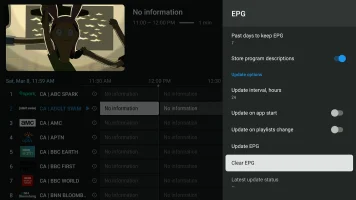
- Click Clear E.P.G.
- Click Update E.P.G.
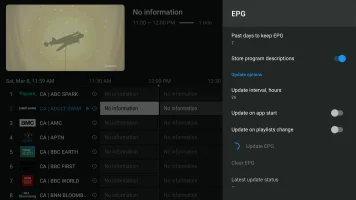
The E.P.G. will download. Please BE PATIENT. It could take anywhere from 10 seconds to 10 minutes.
Once the E.P.G. has downloaded, you will see it populated in the main screen.
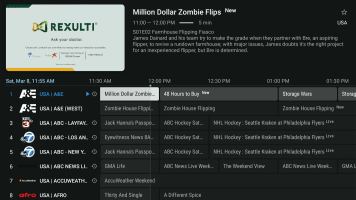
Click the Back button twice to return to the main screen.