Unable to Play Media
Unable to Play Media Error
You see the following error when trying to play a TV Show or Movie :
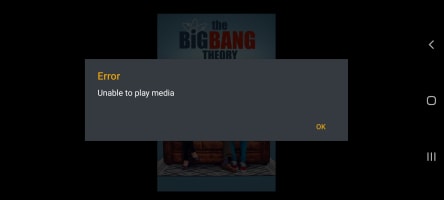
This is usually caused by a subtitle issue. Follow these instructions :
- From the main menu, choose the show you are trying to watch.
- Choose the season.
- Choose the episode.
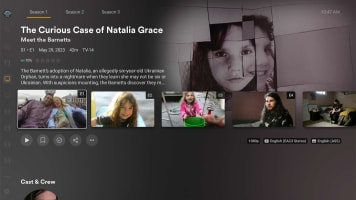
-
On the right hand side of the screen, you will notice "Subtitle", this will likely say "ASS"
-
Click on "More"
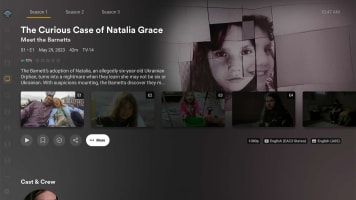
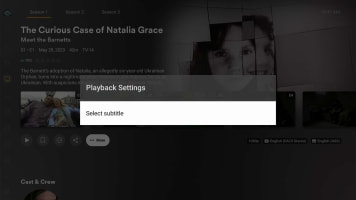
- Click on "Playback Settings"
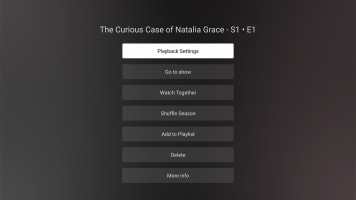
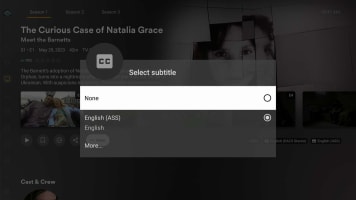
- Click on "Select Subtitle"
- Click on "None"
- On the right hand side of the screen, you will notice "Subtitle" now says "None".
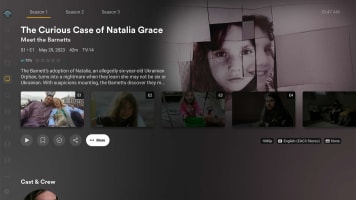
- Play the episode.